Free Chrome Extension

Learn Languages
While Watching Anime

Add a second subtitle track to your favorite anime. Blur it, reveal it, learn it. The most natural way to pick up a new language.
Privacy Focused No Data Collection 100% Free
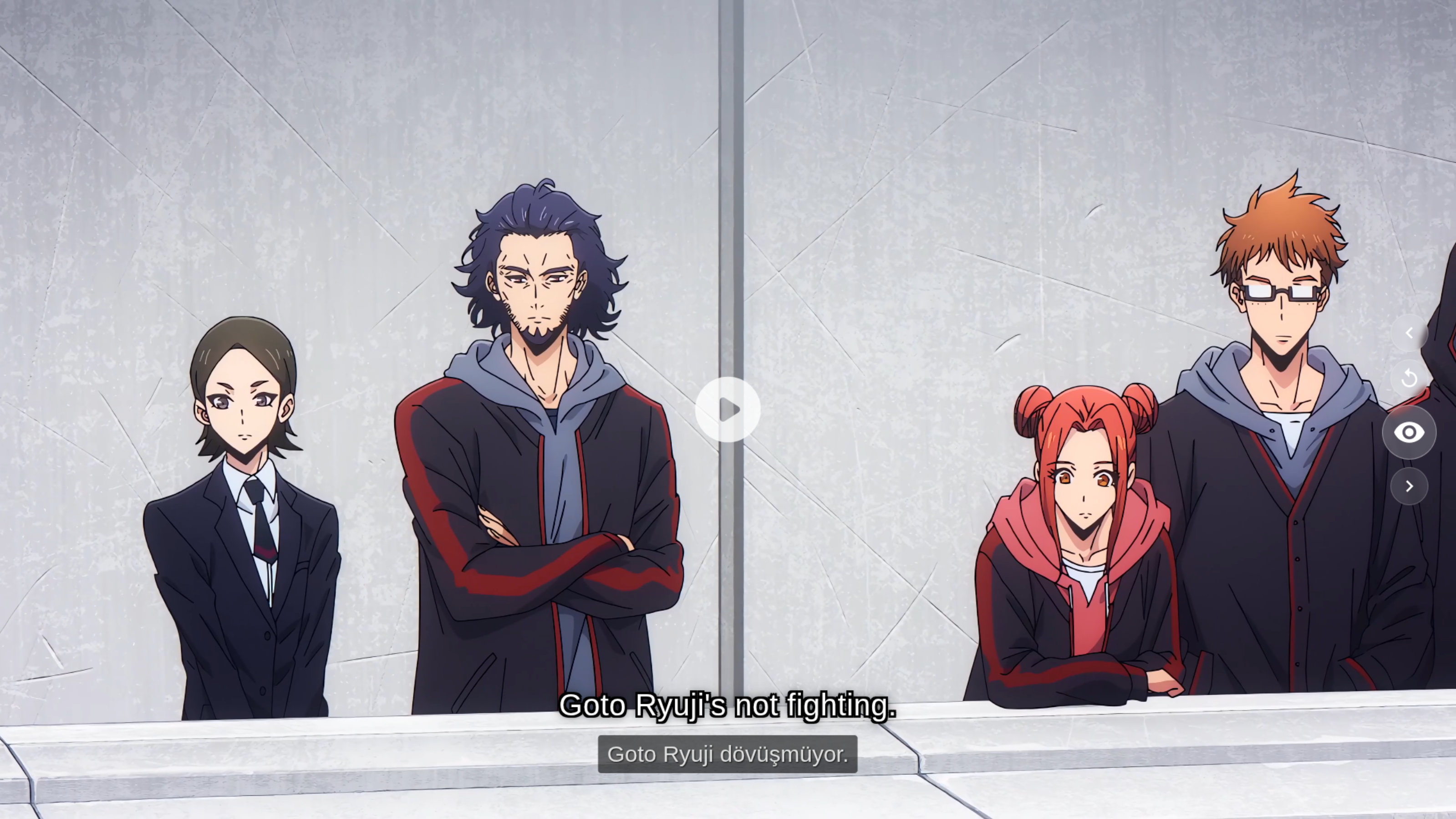
VocaSub showing dual subtitles on an anime scene with English primary and Turkish secondary subtitle
Goto Ryuji's not fighting.
Goto Ryuji savasmak istemiyor.
VocaSub

Everything You Need
to Learn Naturally

No flashcards. No textbooks. Just watch anime with dual subtitles and let your brain do the rest.

Dual Subtitles

See two languages simultaneously. Primary subtitle on top, your learning language below. Perfectly synced, frame by frame.

Blur Mode

The secondary subtitle starts blurred. Try to understand first, then reveal by hovering or pressing E. Re-blurs automatically with each new line.

Focus Mode

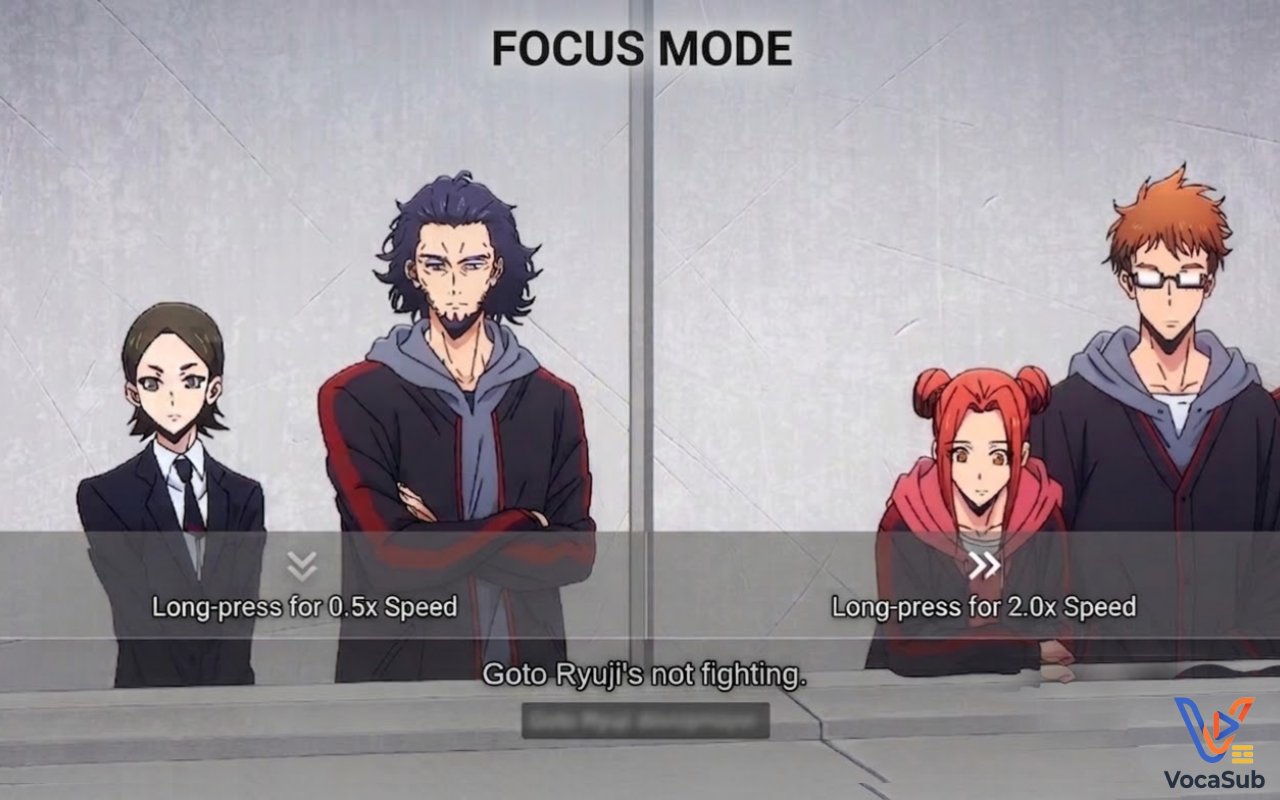
Distraction-free fullscreen. All controls disappear. Cursor auto-hides after 3 seconds. Just you, the anime, and the subtitles.

Tablet Mode

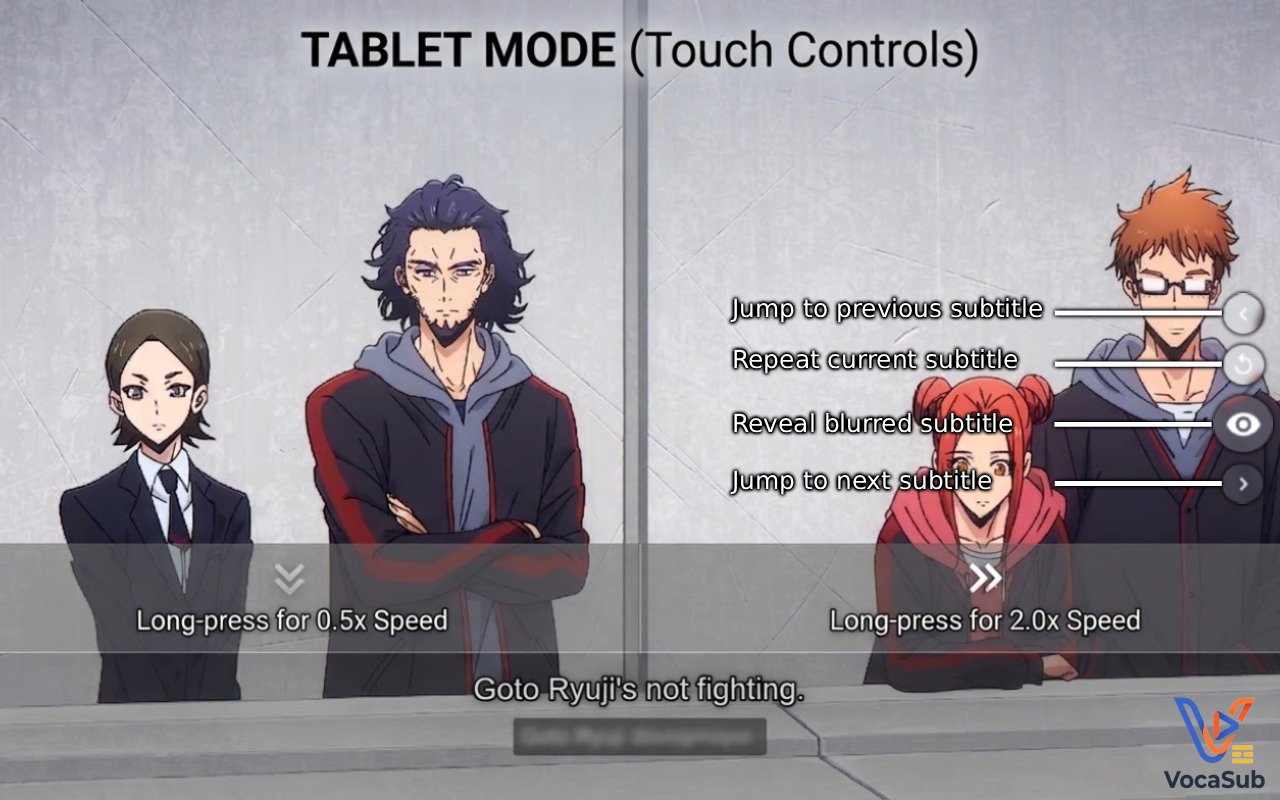
Touch-optimized controls with on-screen buttons. Long-press left half for 0.5x slow-mo, right half for 2.0x speed boost.

Subtitle Navigation

Jump between subtitle lines with A/S/D keys. Replay a sentence, skip ahead, or go back. The video seeks to each line instantly.

Privacy First

Zero data collection. Zero tracking. Zero external servers. Your preferences stay on your device, always.

Start Learning in 3 Steps

From install to learning in under a minute. No setup, no accounts, no configuration needed.

01

Install the Extension

Add VocaSub to Chrome from the Web Store. One click, zero configuration.

02

Pick Your Language

Open any anime on anizium.co and select your second language from the popup.

03

Watch and Learn

Blur, reveal, repeat. Learn at your own pace while enjoying your favorite shows.

Master the Shortcuts

Navigate subtitles, control playback, and toggle modes without ever touching the mouse.
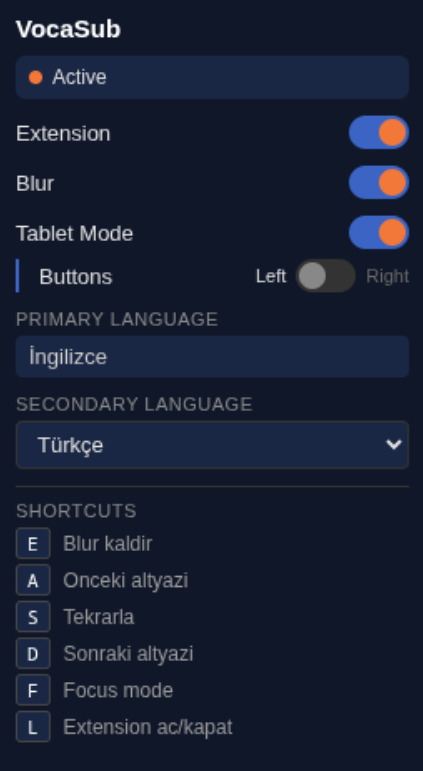
E Reveal blurred subtitle
A Jump to previous subtitle
S Repeat current subtitle
D Jump to next subtitle
F Enter Focus Mode
L Toggle extension on/off
Space Play/Pause (immersive modes)
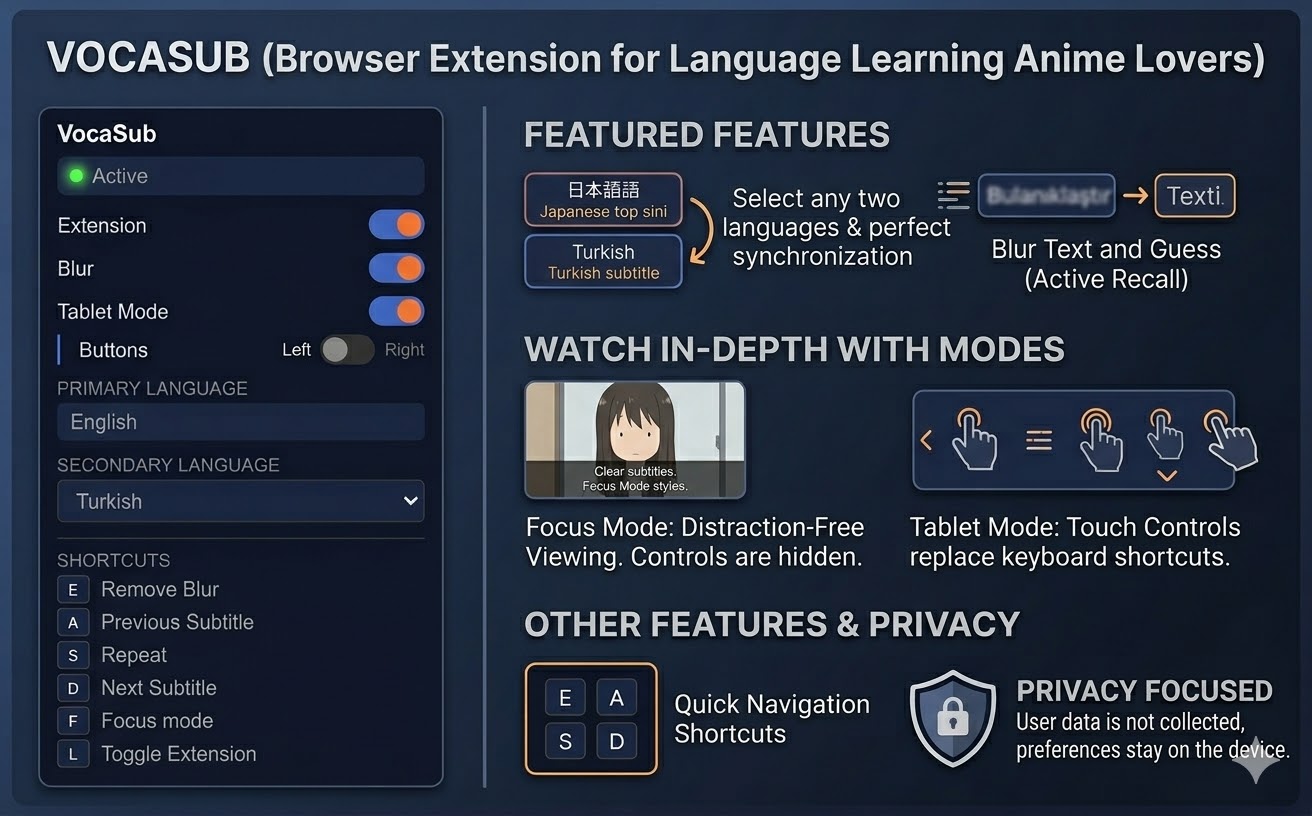
VocaSub popup interface showing extension controls, language selection, and keyboard shortcuts reference

Frequently Asked Questions

VocaSub is a free Chrome extension that adds a second subtitle track to the video player on anizium.co. It allows you to read two languages simultaneously while watching anime, making language learning feel natural and enjoyable.
VocaSub works exclusively on anizium.co and anizium.de. It integrates with the ArtPlayer video player used on these sites to display a second subtitle track alongside the primary one.
No. VocaSub stores only your preferences (language selection, blur toggle, tablet mode settings) locally in your browser using Chrome's storage API. No data is sent to external servers, and no analytics or tracking is used.
Yes. VocaSub is completely free with no ads, no premium tiers, and no hidden costs. It will always remain free.
VocaSub supports all subtitle languages available on anizium.co. You can pick any two available languages as your primary and secondary subtitle tracks. The extension automatically detects which languages are available for each anime.
Blur Mode uses active recall, a proven learning technique. The secondary subtitle appears blurred, prompting you to try understanding the sentence from the primary language first. You can reveal the translation by hovering or pressing E. Each new subtitle line re-blurs automatically, keeping you engaged throughout the episode.

Start Learning Today

Join anime fans who are picking up new languages the natural way. Install VocaSub and start watching.

Add to Chrome